
Modular Rack
Patch oscillators, filters, LFOs with virtual cables.
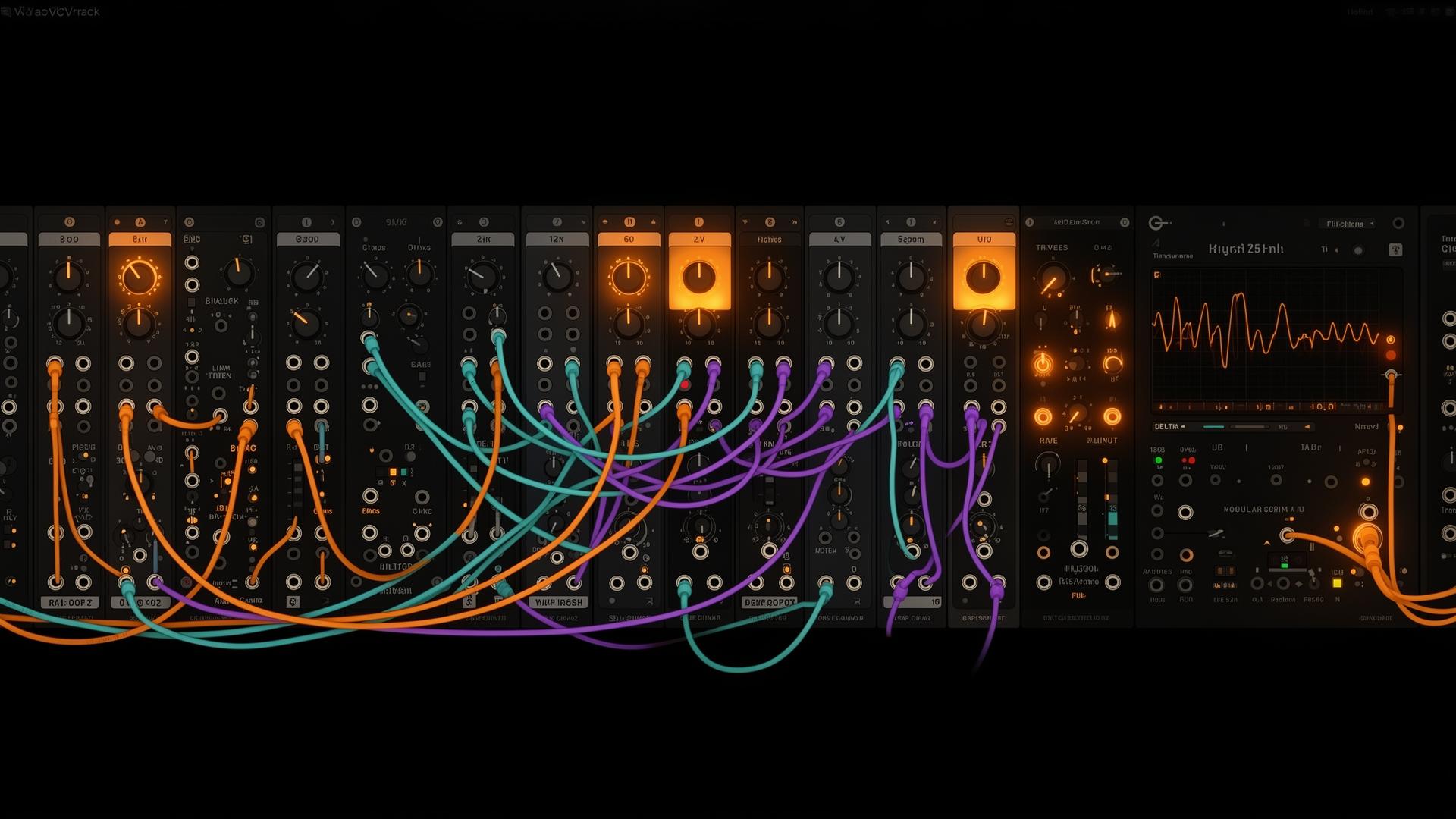
The Modular Rack is a free-patching playground. Drop devices onto the rail, drag cables between jacks, and route audio or CV anywhere you like. Every Forge Steel synth is also a rack module — you can mix flagship voices with simple utilities in one patch.
Concepts
- Nodes are devices. Each lives in a vertical strip on the rail with its faceplate, knobs, and jacks.
- Jacks are inputs and outputs. Audio jacks carry sound; CV jacks carry modulation values (pitch, gate, cutoff, gain).
- Cables connect an output to one or more inputs. Click an out, then an in. Click a connected cable end to detach.
- Voltage ranges — CV is normalized to bipolar (-1 to +1) unless a target expects a specific range (e.g.
v/octuses 1 V per octave;gatereads anything above 0.5 as on).
Output device — Audition always plays. Add an Output when you want the patch summed into your project's mix bus.Device catalog
The default library. Forge Steel devices are documented in detail under Instruments — here we focus on their rack ports.
Utilities
Oscillator
Tone sourcePick a wave (sine / saw / square / triangle), set a pitch. The starting point of most patches — route OUT into a Filter or VCA.
| Port | Kind | Dir | Description |
|---|---|---|---|
| freq | cv | in | Pitch CV (Hz). Patch an LFO here for vibrato. |
| detune | cv | in | Cents offset CV. |
| out | audio | out | Audio output. |
Patch tip — Try Osc → Filter → VCA → Output for a basic monosynth.
Noise
Noise sourceWhite / pink / brown noise. Great for percussion, wind, breath, and transient layers.
| Port | Kind | Dir | Description |
|---|---|---|---|
| out | audio | out | Audio output. |
Patch tip — Noise → Filter with a fast Envelope on the gain makes instant hi-hats.
LFO
ModulatorLow-frequency oscillator. Outputs control-rate CV for modulating any other parameter — cutoff, pitch, gain, FX.
| Port | Kind | Dir | Description |
|---|---|---|---|
| out | cv | out | Bipolar CV — set Min/Max for range and shape. |
Patch tip — LFO → Filter freq at 0.1–2 Hz for slow movement; 4–8 Hz for vibrato.
Filter
SculptorMultimode filter (LP / HP / BP). Sculpts the timbre of any audio passing through.
| Port | Kind | Dir | Description |
|---|---|---|---|
| in | audio | in | Audio input. |
| freq | cv | in | Cutoff CV (Hz). |
| q | cv | in | Resonance CV. |
| out | audio | out | Filtered audio. |
Patch tip — Patch an envelope into freq for the classic 'pew' sound.
Envelope
ShaperADSR amplitude envelope. Pass audio through to shape its volume over time on each gate.
| Port | Kind | Dir | Description |
|---|---|---|---|
| in | audio | in | Audio input (signal to shape). |
| gate | cv | in | Reserved — Gate All triggers all envelopes. |
| out | audio | out | Enveloped audio. |
Patch tip — Use Gate All on the toolbar to retrigger every envelope in the rack at once.
Gain (VCA)
AmplifierVoltage-controlled amplifier. Tame levels or gate audio via a CV input.
| Port | Kind | Dir | Description |
|---|---|---|---|
| in | audio | in | Audio input. |
| gain | cv | in | Gain CV. |
| out | audio | out | Scaled audio. |
Patch tip — Envelope → VCA gain gives you traditional shaped amplitude per note.
Output
SinkMain output of the rack. Sums audio into the project mix bus.
| Port | Kind | Dir | Description |
|---|---|---|---|
| in | audio | in | Final stage audio in. |
Patch tip — Even without an Output device the rack monitors, but adding one routes the patch into the mixer.
Forge Steel as modules
Demascus
Wavetable voiceThe full wavetable voice exposed as a rack module — voice, envelope, filter, unison.
| Port | Kind | Dir | Description |
|---|---|---|---|
| v/oct | cv | in | 1 V per octave pitch CV. |
| wt_pos | cv | in | Wavetable position CV. |
| cutoff | cv | in | Filter cutoff CV. |
| gate | cv | in | Gate trigger. |
| out | audio | out | Audio out. |
Patch tip — Press Play on the device strip to audition the current preset before patching.
SanMai
FM voice4-operator FM voice. Pick an algorithm, dial in operator ratios, modulate the index.
| Port | Kind | Dir | Description |
|---|---|---|---|
| v/oct | cv | in | Pitch CV. |
| index | cv | in | FM index CV — drives harmonic density. |
| op1_ratio | cv | in | Op 1 ratio CV. |
| gate | cv | in | Gate. |
| out | audio | out | Audio out. |
Patch tip — LFO → index at 0.5 Hz makes any FM patch breathe.
ColdWeld
Hybrid voiceHybrid wavetable / FM lab voice with built-in filter and envelope.
| Port | Kind | Dir | Description |
|---|---|---|---|
| v/oct | cv | in | Pitch CV. |
| weld | cv | in | Wave blend CV. |
| index | cv | in | FM index CV. |
| cutoff | cv | in | Cutoff CV. |
| gate | cv | in | Gate. |
| out | audio | out | Audio out. |
Patch tip — Weld near 0.5 with a fast attack envelope gives a plucked-metal transient.
Filigree
Additive voiceAdditive partials engine — bell, breath, and inharmonic timbres.
| Port | Kind | Dir | Description |
|---|---|---|---|
| v/oct | cv | in | Pitch CV. |
| tilt | cv | in | Spectral tilt CV. |
| spread | cv | in | Stereo spread CV. |
| gate | cv | in | Gate. |
| out | audio | out | Audio out. |
Patch tip — Long decays with the 'bell' profile give lush evolving pads.
Patching tutorial
Build a basic monosynth from scratch — about a minute, all default devices.
- 1Add an OscillatorOpen the Device Library, drag Oscillator onto the rail. Pick a saw wave and set pitch to A3 (220 Hz).
- 2Add a FilterDrag Filter next to it. Cable Oscillator
out→ Filterin. Choose LP mode, cutoff around 800 Hz, Q ~0.4. - 3Shape it with an EnvelopeDrop an Envelope. Cable Filter
out→ Envelopein. Set A=5 ms, D=200 ms, S=0.6, R=300 ms. - 4Send to OutputDrop an Output. Cable Envelope
out→ Outputin. Click Gate All in the toolbar — you should hear a plucky saw note. - 5Add movement with an LFODrop an LFO, rate ~1 Hz, depth 30%. Cable LFO
out→ Filterfreq. The cutoff now sweeps under the note.
Macros & Macro Learn
Macros are eight assignable knobs on the rack toolbar. One macro can drive many destinations at once with per-target depth and curve — perfect for performance moves and quick automation.
- Click Learn on any macro knob. It glows.
- Touch the parameters you want to control — knobs in any rack device. Each tap adds a target with default depth.
- Click Done. Twist the macro: every learned target moves together.
- Open Macro Target Editor to tweak per-target depth, invert direction, or set a custom curve.
Scope & Peak Meter
Two diagnostic devices that read any audio in the patch without affecting the signal — drop them anywhere and tap into a cable.
- LiveScope — oscilloscope view of the tapped signal. Useful for checking waveform shape, clipping, and LFO speed.
- PeakMeter — fast peak + RMS readout with hold-peak indicator. Use it before the Output to keep levels under 0 dBFS.
Freeze, presets, save & recall
- Freeze renders the entire rack to a sample in place. CPU drops to near-zero; you can keep playing the frozen audio while you build the next patch. Unfreeze to restore the live graph.
- Presets live per-device — every faceplate has a preset bar. Forge Steel presets are shared with the standalone instrument.
- Save / recall patches stores the full graph (devices, cables, knob positions, macros) under your account. Patches sync across devices.
Performance tips & known limits
- Voices stack up fast. Each Forge Steel module is polyphonic — heavy unison + long releases is the #1 cause of CPU spikes.
- Freeze idle racks once you've committed to a sound. Live editing of twelve unfrozen racks at once will glitch even on a fast machine.
- Audio feedback loops are silenced with a one-block delay — useful for Karplus-style patches, but expect a sample of latency.
- Mobile (Forge Pocket) caps simultaneous racks at four. Open more and the oldest is auto-frozen.