Forge Pocket
Your phone, paired — capture and play on the go.
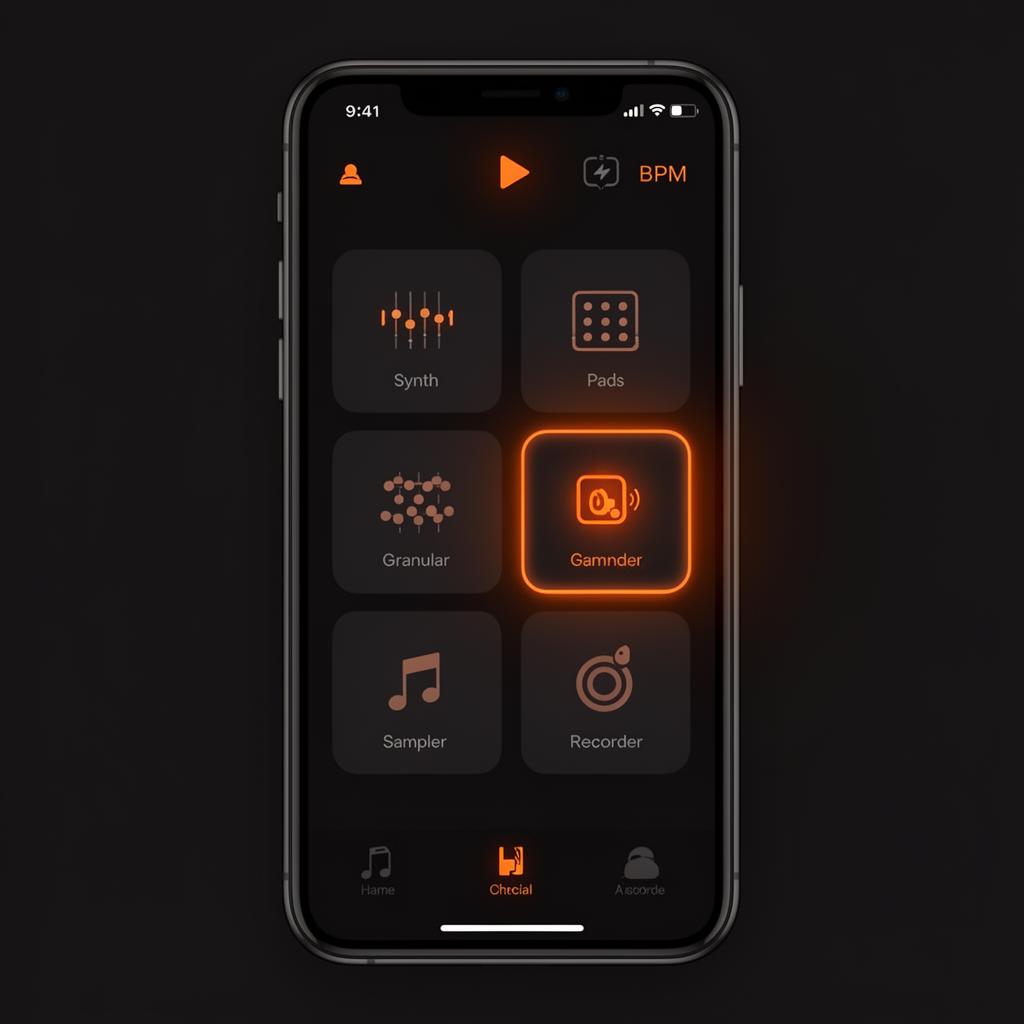
Forge Pocket is the mobile companion app — pair it with your desktop studio for capture, performance, and play. Every Pocket module mirrors a desktop tool but is touch-optimized for one-thumb use.
Pairing
- Open Settings → Devices → Pair Phone on desktop. A QR code appears.
- Sign in on your phone and tap Scan to Pair.
- Both devices now share project state in real-time. Tracks recorded on the phone show up in the desktop session within a second.
Network
Pairing prefers LAN for low latency. On cellular it falls back to relayed sync — capture still works, but live monitoring is desktop-only.
Module reference
- Hub — your home screen. Recents, projects, quick capture.
- Synth — touch keyboard with the full Synth Designer underneath.
- Sampler — drag-to-trim audio editor; one-tap chop & assign to pads.
- Pads — 16 velocity-sensitive pads with choke groups and per-pad FX.
- Granular — touch the waveform to scrub grain position; pinch to zoom grain size.
- Noise — Noise Lab with mod-matrix sliders.
- Modular — full rack on touch; long-press a jack to start a cable.
- Chords — chord-trigger pad with scale & voicing controls.
- Hum — sing or hum a melody and it becomes MIDI. Pick BPM, grid, octave and any key and scale (or stay chromatic); it guesses your key and ignores breath and noise.
- Beatbox — mouth a groove. It finds your tempo, sorts hits into kick, snare, hat and perc on a grid you can preview, then sends the drum pattern to your project.
- Metronome — standalone click with subdivision, accent, and tap-tempo.
- Tuner — chromatic + strobe modes.
- Recorder — mono / stereo field recorder writing straight to the project.
- Sections — arrange a project into intro/build/drop/breakdown blocks by tap.
- Inbox — quick voice memos and ideas that haven't been sorted into a project yet.
- Jam — join a desktop jam session from your phone.
Light or dark
Tap the moon or sun button at the top of Forge Pocket to switch themes. Your choice follows your account.
Offline behavior
Every Pocket module records and edits offline. When the device reconnects, captures sync to the paired project automatically and any conflicts are flagged in the desktop Inbox.