Getting Started
Make your first track in five minutes.
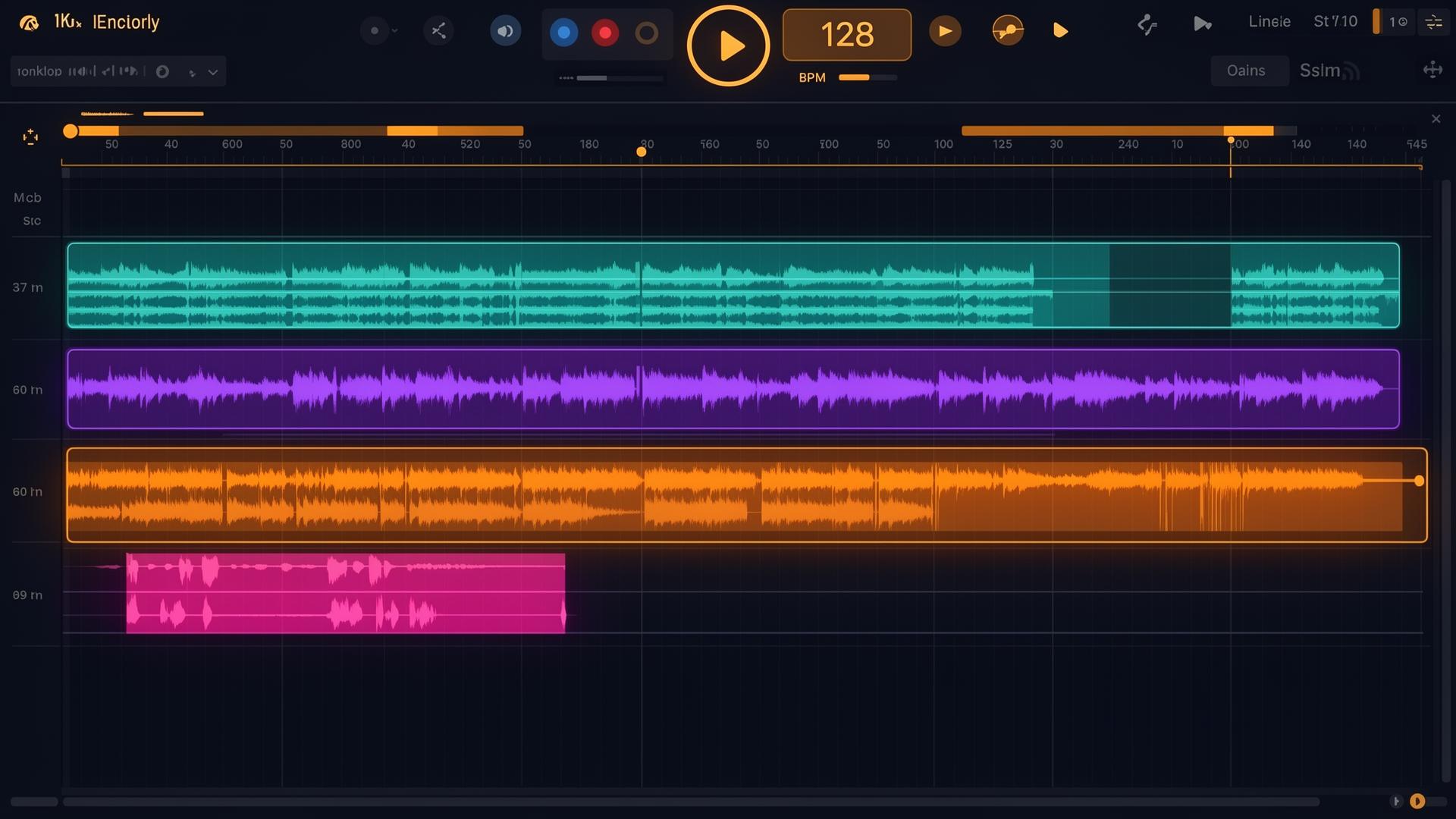
EDM Forge is a full electronic-music studio that runs in your browser. Timeline arrangement, session-clip launcher, modular rack, four pro synths, sampler, granular, noise lab, MIDI mapping, stem extraction, real-time collab — no installs, no plugins, no hardware required.
What EDM Forge is
A modern DAW built for the way producers actually work in 2026. The desktop app is your main studio. The phone PWA — Forge Pocket — is the capture companion: voice memos, step pads, drum on the couch, all synced to your desktop project.
Everything is saved to your account automatically. Switch laptops, switch browsers, your projects follow you.
Your first track in 5 minutes
- 1Sign up free
Go to /login and pick Google or email. No credit card. Free forever plan, three projects to start.
- 2Create a project
Hit New project on the dashboard. Give it a name, pick a BPM (default 128), and you're in the studio.
- 3Lay down a beat
Open the Sampler / Pads device. Tap the kick, snare and hat pads, or drop your own one-shots. Hit record on the transport bar.
- 4Add a synth line
Add a track, drop Demascus (wavetable) onto it. Pick a preset, play a chord progression with your keyboard's A–L row.
- 5Mix and export
Open the mixer, balance the channels, drop a limiter on the master, then hit Export → WAV (Pro) or MP3 (Free). Done.
Or remix a track you already love
Not starting from scratch? Drop any track into Remix Lab — the AI splits it into drum / bass / vocal / other stems in seconds, detects BPM, key and chords, and lets you slice, warp and transcribe the parts you want. Save the chops to your Sample library and build your track around them.
Free vs Pro vs Studio
| Feature | Free | Pro | Studio |
|---|---|---|---|
| Projects | 3 | Unlimited | Unlimited |
| Storage | 500 MB | 10 GB | 100 GB |
| Library packs | Free | Free + Pro | Free + Pro |
| Export | MP3 | WAV + MP3 | WAV + MP3 |
| Stem separation | — | Yes | Yes |
| Team seats | — | — | 5 |
| Priority render | — | — | Yes |
Accounts, projects, organizations
Personal vs Organization
By default everything lives in your personal workspace. If you work with a team, create an Organization from the workspace switcher in the top-left. Org projects are shared with everyone on the team in real time — cursors, edits, mixer moves.
Roles
- Owner — billing, members, delete org.
- Admin — manage members and all projects.
- Member — create and edit projects.
- Viewer — listen-only.
Where things are saved
Projects, samples, presets, mixer state, MIDI mappings — all stored to your account in our cloud. There's no "save" button you have to remember; the studio writes as you work.
Audio renders (WAV / MP3 exports) are generated on demand and downloaded straight to your machine. They aren't kept on our servers unless you publish them to the library.